Allen-Bradley
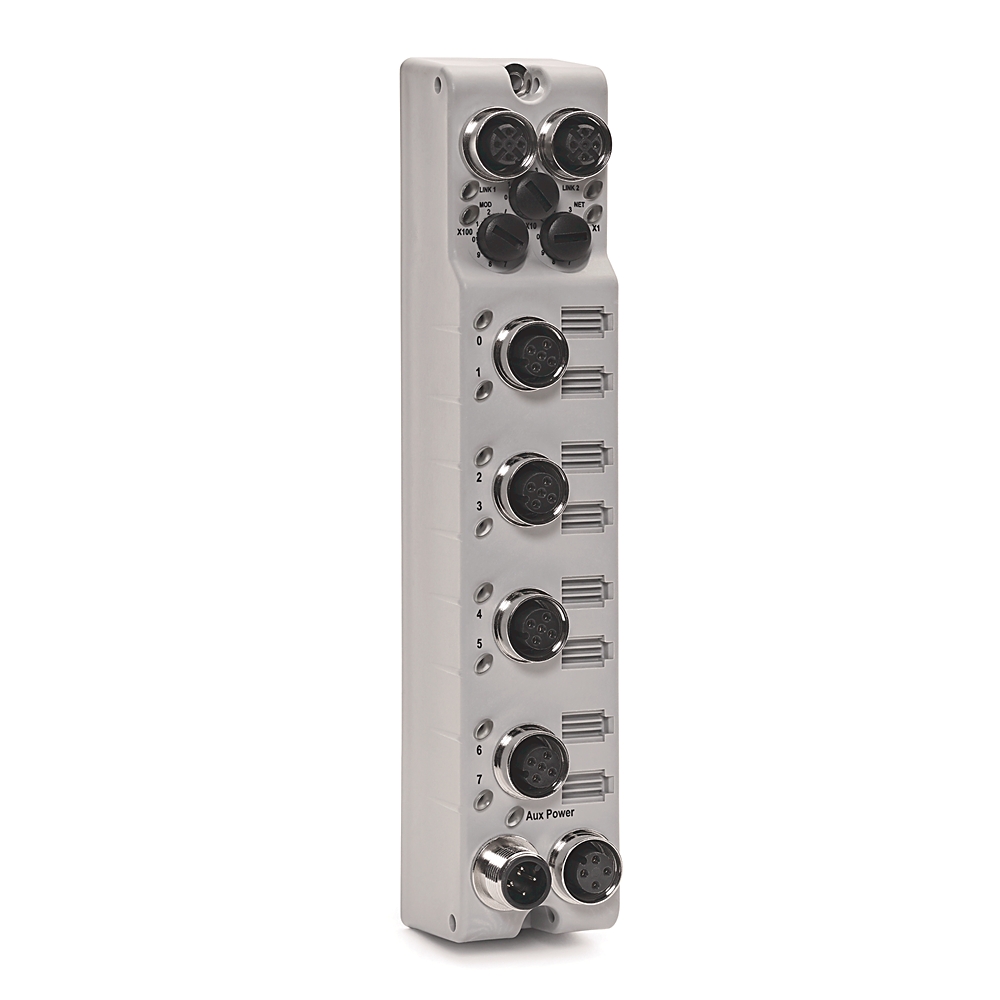
1732E-8IOLM12RArmorblock, Dual Port Ethernet, 24VDC, 8 Channel IO Link Master Module, on 4 M12 Connectors
Request price & availability
Image shown is for reference only. Actual appearance or packaging may vary. Confirm the exact part, series and revision in your quotation.
1-year DEKA warrantyFrom delivery · View warranty details8 Analog Voltage/Current Input Module HART,Allen Bradley® Brand (A B),ControlLogix® Trademark,Model 1756 IF8HK,36 Pins,Tropicalized,Family/Bulletin 1756,ControlLogix,Input interface between external devices and a PLC. (Programmable Logic Controller),Receives a signal from an external input device, isolates and conditions the signal for use by the CLP, The CLP Scans the input module, compares the input values with the program, and transfers the output values Determined for the output module,Designed to work with a PLC. Specific,the PLC would not be able to send signals to External devices without the input module,an integral part of the operation of a PLC and should be considered a part,classified As parts of programmable controllers.
Brand new only · Request pricing & availability
Tell us the quantity, revision and series you need. Availability is confirmed in your quotation. All products carry a one-year DEKA warranty from delivery. 14-day return requests for eligible unused, unopened products require written approval. Customer-paid return shipping; original shipping is not refundable for ordinary returns. Warranty claims are handled separately.
Review the Terms & Conditions before approving your quotation.
DEKA is not an authorized distributor of Allen-Bradley.
Review the part identification below and include any specific requirements in your quote request.
| Manufacturer | Allen-Bradley |
|---|---|
| Part number | 1756-IF8HK |
| Category | PLCs & controllers |
| Product description | 8 Analog Voltage/Current Input Module HART,Allen Bradley® Brand (A B),ControlLogix® Trademark,Model 1756 IF8HK,36 Pins,Tropicalized,Family/Bulletin 1756,ControlLogix,Input interface between external devices and a PLC. (Programmable Logic Controller),Receives a signal from an external input device, isolates and conditions the signal for use by the CLP, The CLP Scans the input module, compares the input values with the program, and transfers the output values Determined for the output module,Designed to work with a PLC. Specific,the PLC would not be able to send signals to External devices without the input module,an integral part of the operation of a PLC and should be considered a part,classified As parts of programmable controllers. |
All products supplied by DEKA carry a one-year DEKA warranty, starting on the date of delivery. Keep your invoice and product identification for any claim.
Provided by DEKA SUPPLY LLC. This is DEKA’s own warranty; manufacturer warranty coverage is not implied.
Read the DEKA warranty policyEmail sales@dekaautomation.com with your order or invoice number, part number and a description of the issue. Contact DEKA for written instructions before returning an item.
Armorblock, Dual Port Ethernet, 24VDC, 8 Channel IO Link Master Module, on 4 M12 Connectors
Request price & availability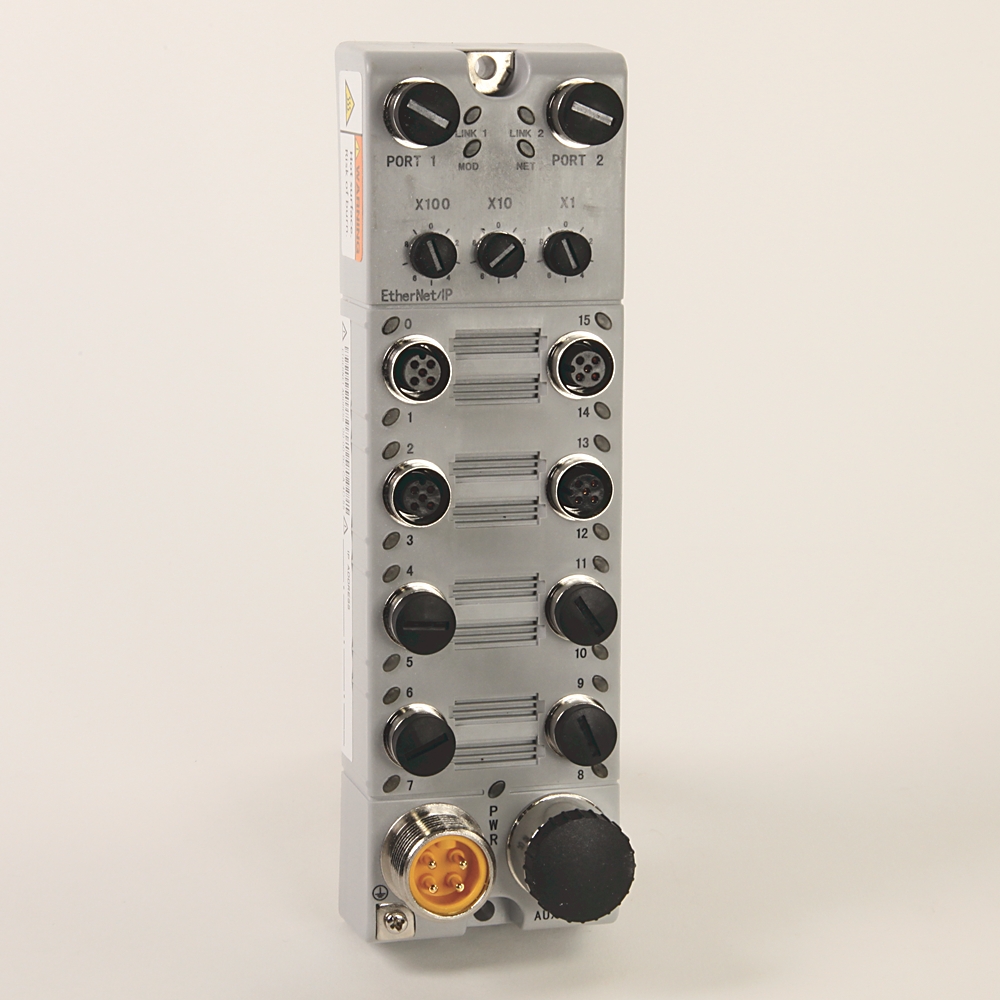
Distributed I/O,IP69K,EtherNet Daisy-Chain, Quick Connect,12 DigitalInput and 4 digital output Combo, M12 I/O Connectors, M12 NetworkConnector,5-pin Mini Aux Port,24V DC
Request price & availability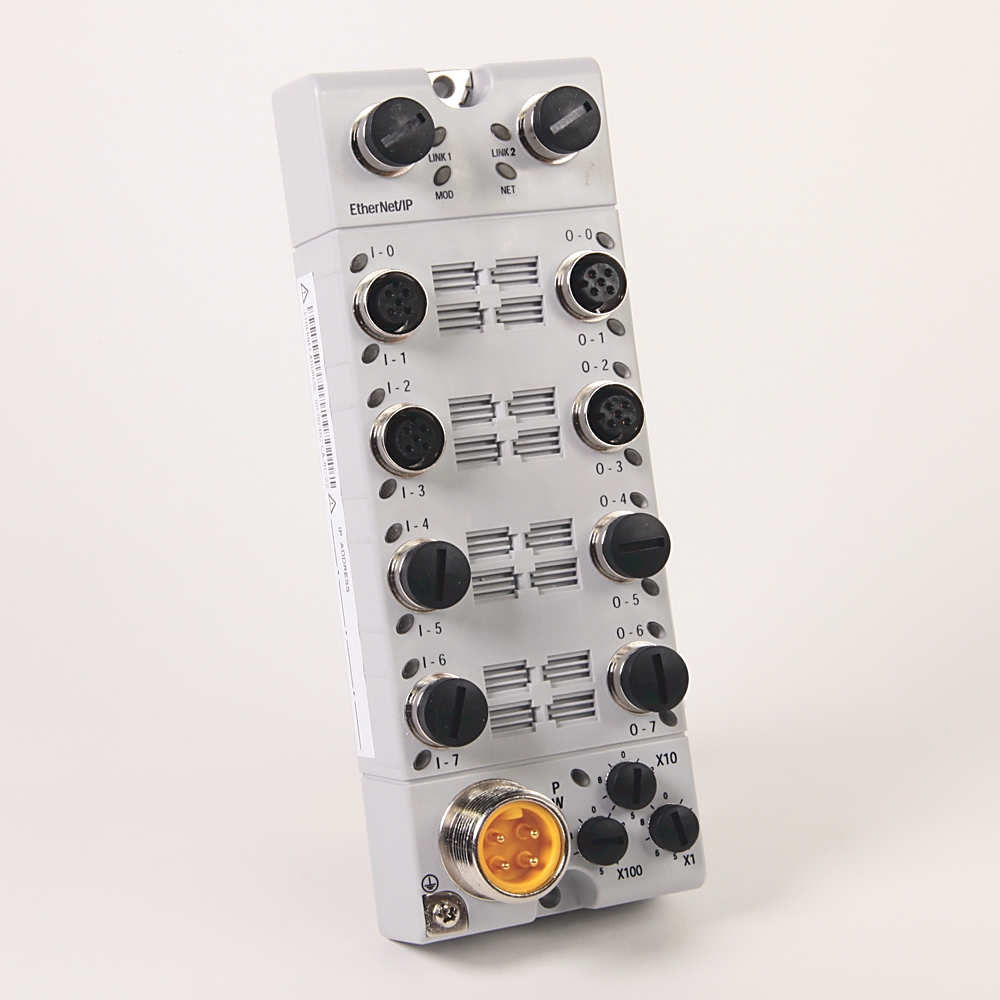
I/O Block,ArmorBlock,Discrete,DC,8 Sinking Inputs,8 Sourcing Outputs,M12 Input/Output Connectors,M12 Network Connector,Diagnostics,EtherNet,Device Level Ring,IP69K
Request price & availability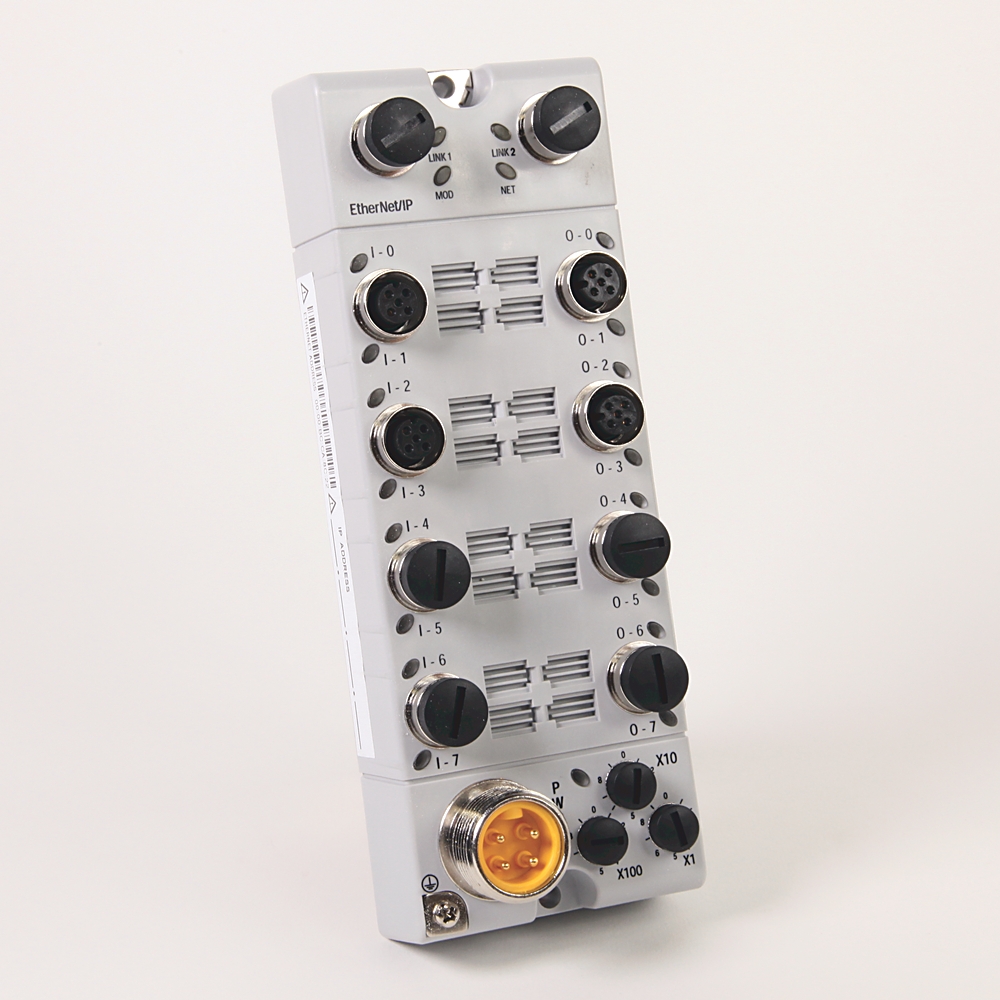
I/O Block,ArmorBlock,Discrete,DC,Self Configurable,16 Point,M12 Input/Output Connectors,M12 Network Connector,EtherNet,Device Level Ring,IP69K
Request price & availability